

KYOU · Phone to computer
Keep your eyes where the action is.
Control your computer by feel. Speak into your phone and swipe the text into the app you’re using. Just kyou it.
Closed beta · App for iPhone and Android, helper for Windows and Mac
Let’s move the launch review to Thursday.
Live demos
Show how it works. Stay with your audience.
Run live product demos from your phone. Point, click, and show what your product can do right from where you’re standing.
- Hear the question
- Switch to the product
- Open Export
How it works
Your computer. Under your thumb.
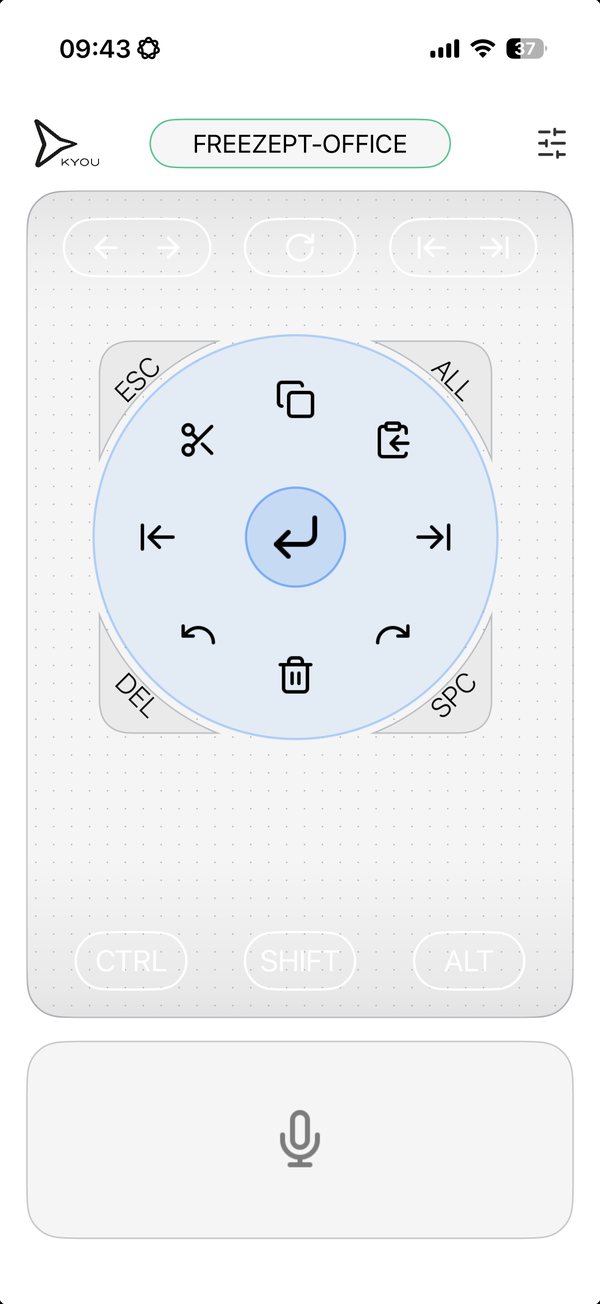
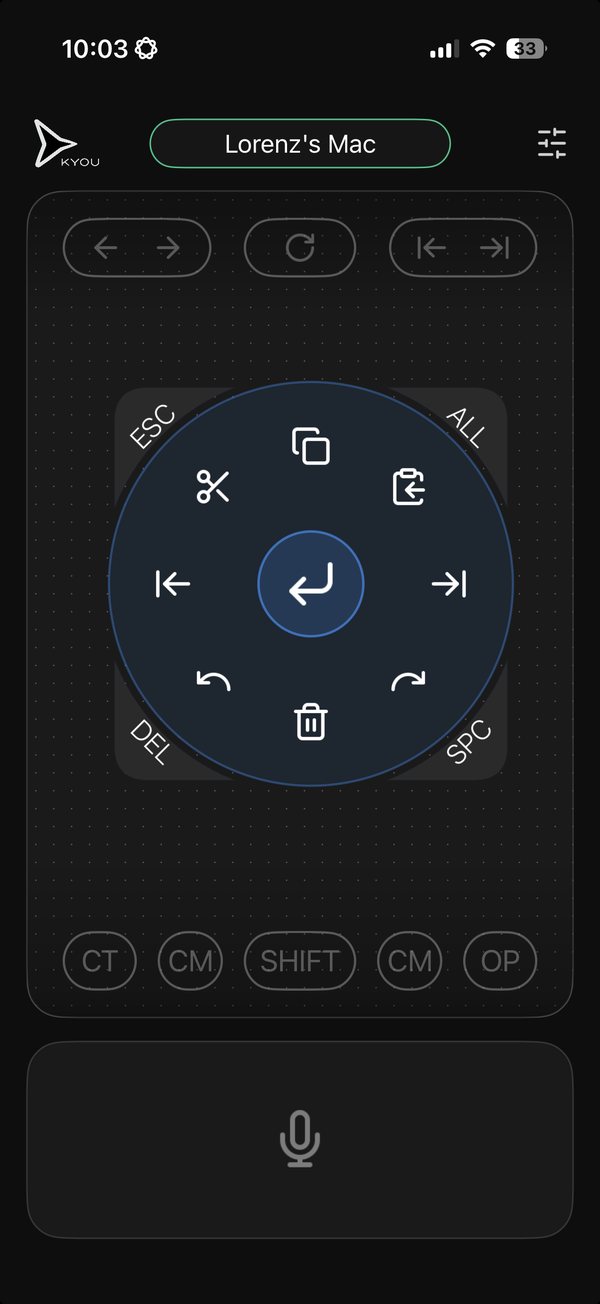
Slide your thumb to move the cursor. Tap to click. Hold and flick to trigger a shortcut.
- SlideMove the cursor
- TapClick
- Hold and flickEnter, Undo, Copy and more
A remote that feels like an extension of your hand.
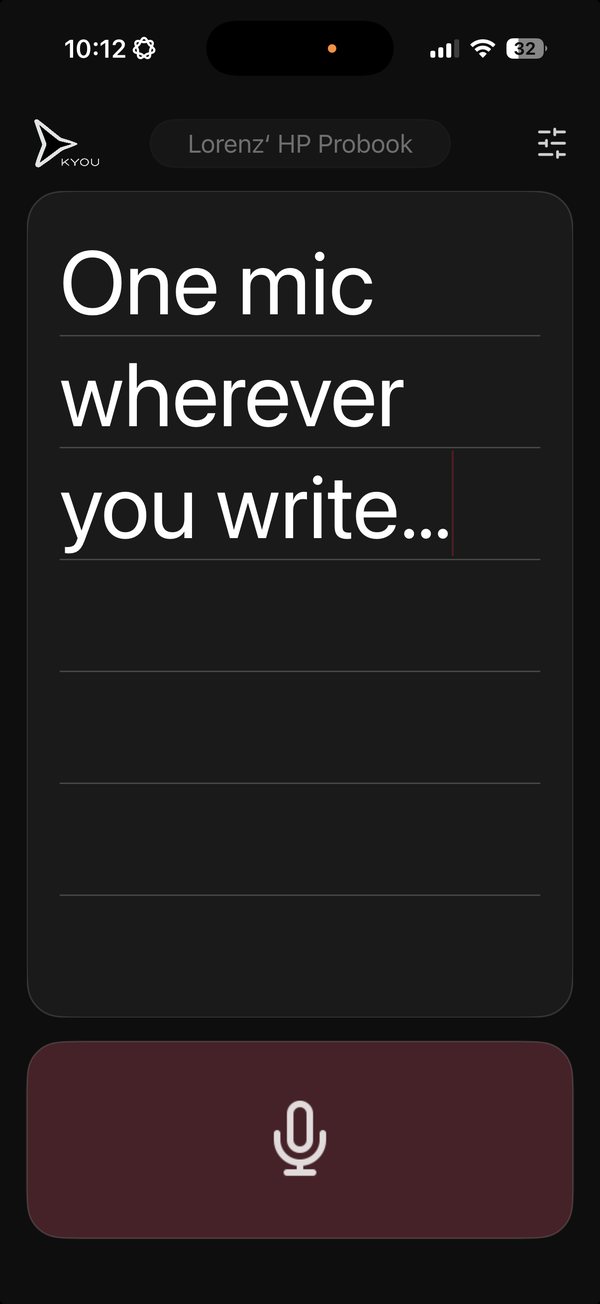
One mic. Wherever you write.
Stop hunting for the mic button. Speak into KYOU, then swipe your words into your open draft, message, or AI chat.
DraftsMessagesAI chatsForms
Think it. Drop it. Anywhere.
Use cases
Find your way to use KYOU.
- Live demosShow the product while you stay with your audience.Explore live demos →
- Software trainingMove from the front of the room to a learner’s screen.Explore software training →
- Home officeCatch the next line when it comes to you away from your desk.Explore home office →
- AI workflowsSay what you want to change while the draft is in front of you.Explore AI workflows →
- Alternative inputKeep a trackpad and voice input within reach.Explore alternative input →
Try it with something you already do.
Open a draft, move the cursor, and swipe in your next sentence.
Get early access