

Alternative input
More ways to use your computer.
Keep your phone within reach and use it as a trackpad or to dictate text.
Closed beta · App for iPhone and Android, helper for Windows and Mac
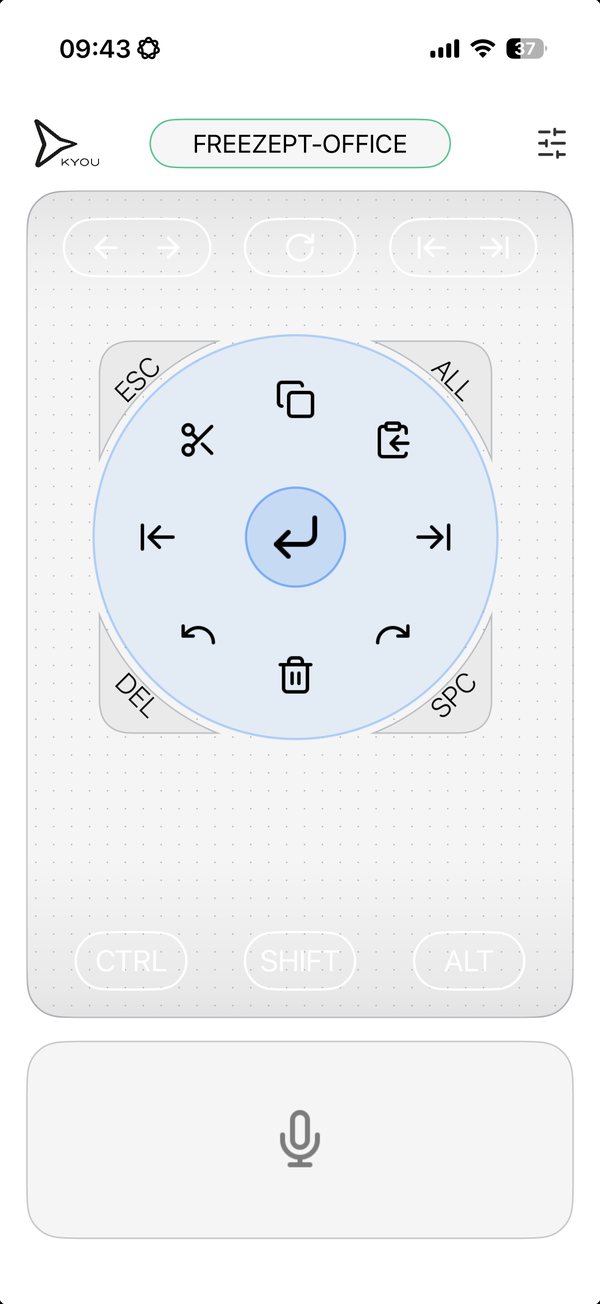
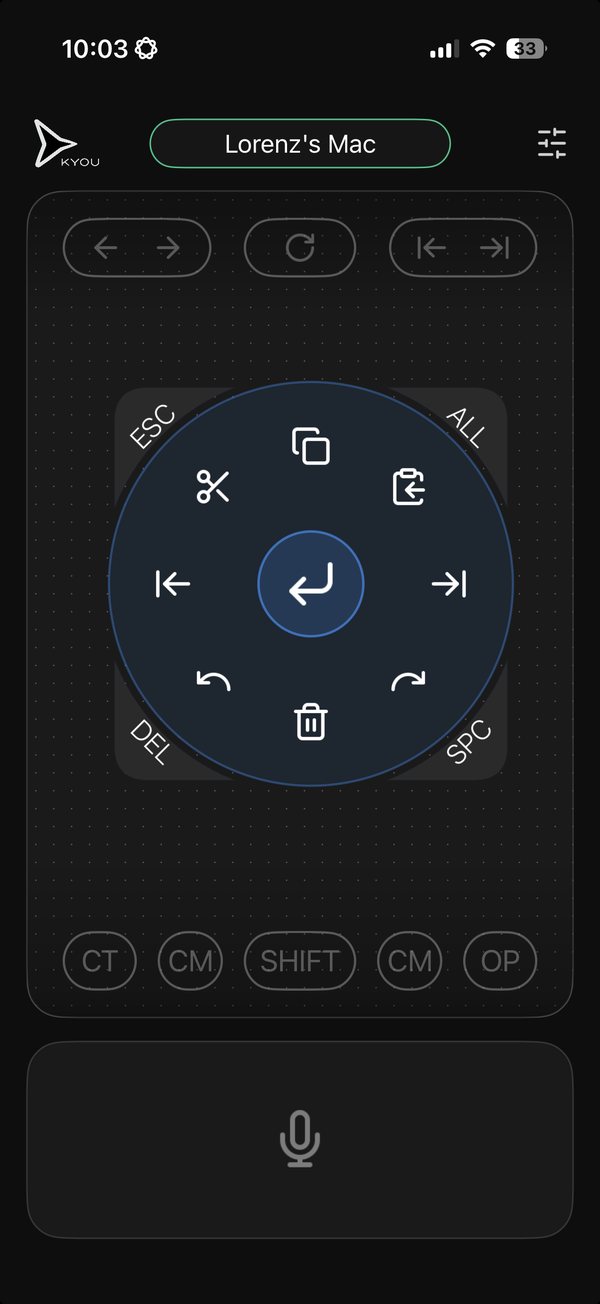
What the demo will show
- Place the phone within reach
- Move the cursor and tap
- Speak and swipe a line into the document
More ways to use KYOU
- Live demosShow the product while you stay with your audience.Explore live demos →
- Software trainingMove from the front of the room to a learner’s screen.Explore software training →
- Home officeCatch the next line when it comes to you away from your desk.Explore home office →
- AI workflowsSay what you want to change while the draft is in front of you.Explore AI workflows →
Try it with something you already do.
Open a draft, move the cursor, and swipe in your next sentence.
Get early access