

Home office
Step away from your desk. Keep your train of thought.
Speak your next line into your phone and swipe it into the draft waiting on your computer.
Closed beta · App for iPhone and Android, helper for Windows and Mac
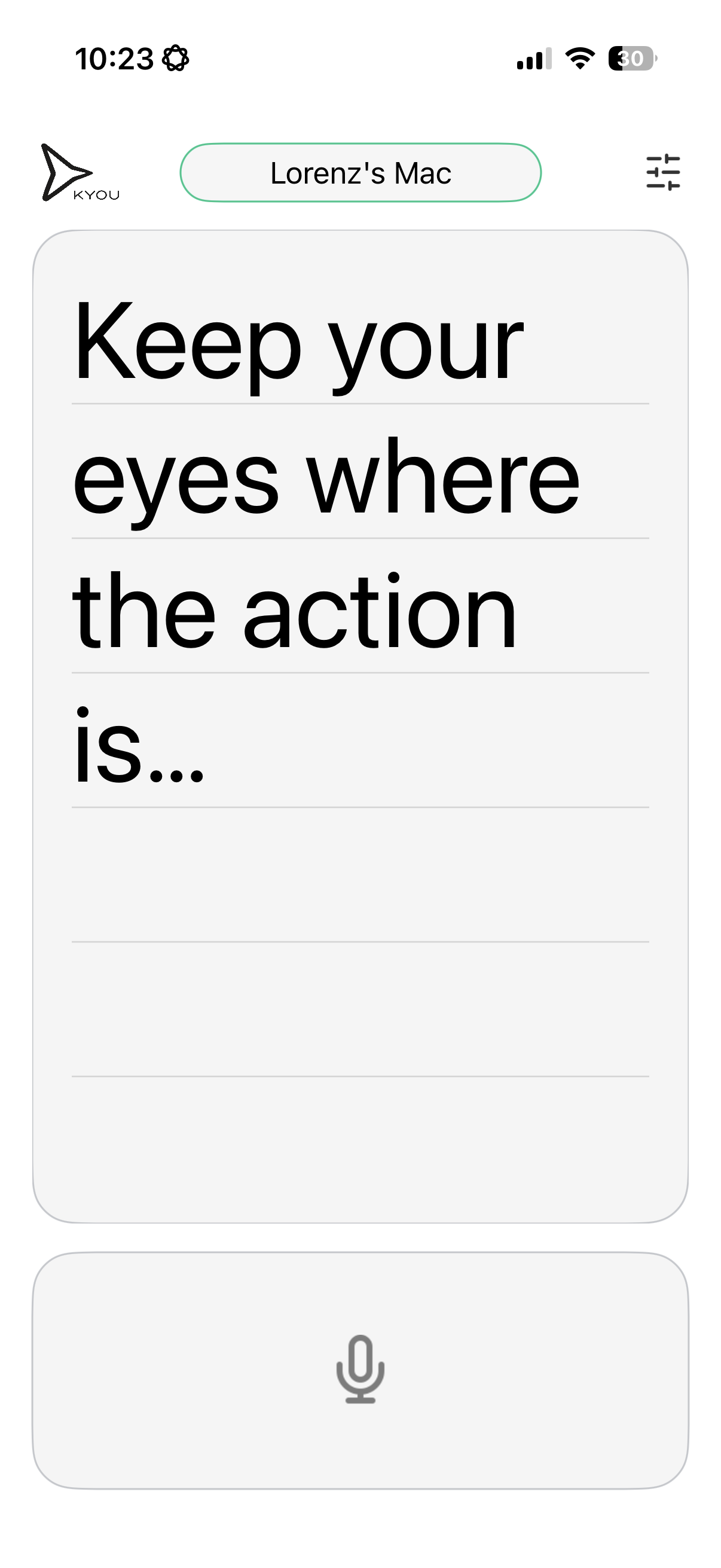
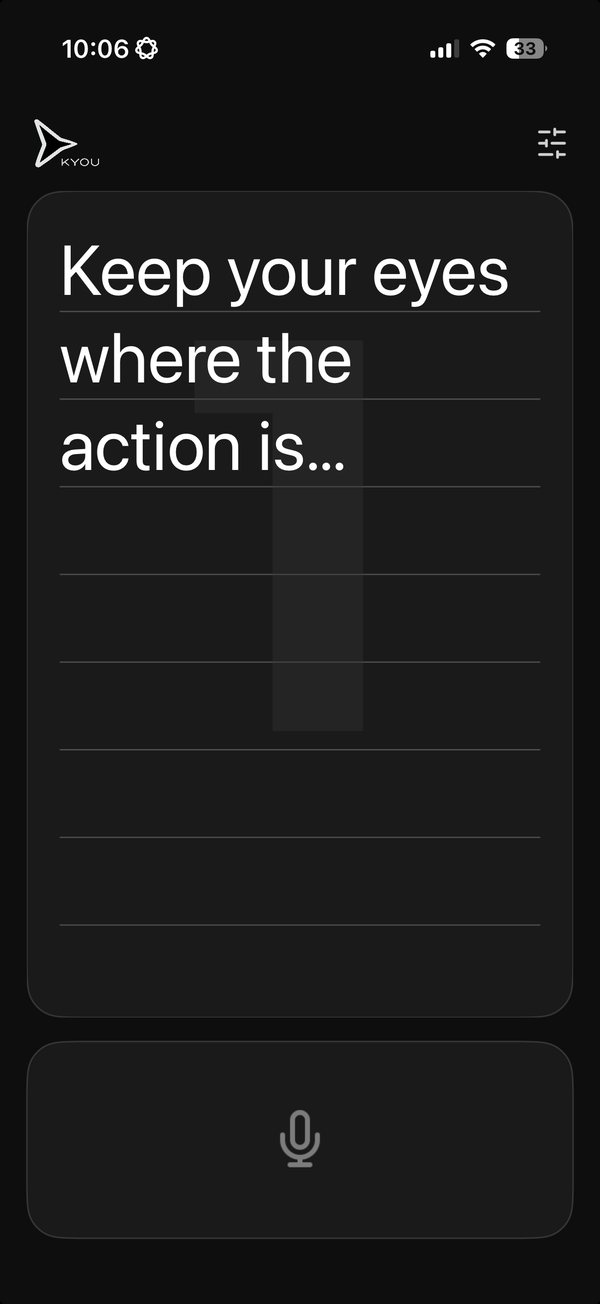
What the demo will show
- Leave the cursor in your draft
- Say the next line
- Swipe it into the draft
More ways to use KYOU
- Live demosShow the product while you stay with your audience.Explore live demos →
- Software trainingMove from the front of the room to a learner’s screen.Explore software training →
- AI workflowsSay what you want to change while the draft is in front of you.Explore AI workflows →
- Alternative inputKeep a trackpad and voice input within reach.Explore alternative input →
Try it with something you already do.
Open a draft, move the cursor, and swipe in your next sentence.
Get early access